
Perfect Bound
Cover Calculator
Enter your page size, page count and paper to get the exact spine width for your book, then download a free cover template with the trim, spine folds and hinge scores already marked.
When your artwork is ready, we print and perfect bind the whole job in-house in Auckland.
- Your exact spine width, worked out from the real thickness of the paper, not its weight
- A free layered PDF template, ready for Illustrator or InDesign
- Panel sizes, if you would rather design the front, spine and back separately
- The inside of the cover too, with the unprinted glue area down the spine marked
- A price online for A4 and A5 books when you are ready to print
Count every page, including blanks. Two pages sit on each sheet of paper, so the total is always even. Under about 40 pages there isn’t enough spine to glue, and a saddle stitched booklet is the better job.
Text-heavy books like manuals and reports sit well on 100–120gsm. Photo books, catalogues and lookbooks hold up better on 150–170gsm satin. Heavier paper means a thicker spine, so this changes your cover size.
300gsm suits most covers. Laminating adds a fraction of a millimetre, which we allow for when we check your spine.
Advanced options
How far the hinge scores sit from the spine fold. 6mm suits most books; go wider on heavy board, or set it to 0 to leave them off.
■ Trim ■ Spine folds & hinge scores ■ Safe area ■ Bleed ■ Glue area, left unprinted
Free two-page layered PDF, outside and inside, with trim, creases, glue area, safe area and bleed on separate layers. Ready for Illustrator or InDesign.
Printing with us? We measure your paper and check the spine against it before anything goes on press, so a book that comes back thicker than the spec never reaches you as a cracked cover.
We print and perfect bind books in Auckland.
Square spines, laminated covers, short runs. Priced online, no waiting on a quote.
Why the hinge scores matter
Perfect binding glues the spine of the text block, and a narrow strip of that glue wraps a few millimetres onto the inside of each cover. That strip is what stops the pages pulling away from the cover.
It also means the cover can’t bend at the spine fold, because that part is stuck down. Without a score, the cover is forced to bend somewhere it wasn’t creased, and on a coated or laminated board the ink cracks along the spine the first time the book is opened.
The hinge scores give it a place to bend. Two extra creases, one either side of the spine, just outside the glued strip. The book opens flat, the cover stays intact, and nobody has to explain a cracked spine to the client.
They’re on your template already. Keep type and logos clear of the strip between the spine fold and the hinge score — artwork can run across it, but anything you need to read shouldn’t sit in a fold.
Your creases
| Hinge score (back) | 142mm |
| Spine fold (back) | 148mm |
| Spine fold (front) | 152.9mm |
| Hinge score (front) | 158.9mm |
Measured from the left edge of the flat trimmed cover.
Or design each panel on its own
Some designers would rather lay out the front, spine and back separately than work across one wide spread. Here are the exact sizes to build them at. Add 3mm bleed all round to each one — we trim the inside edges off when we put them together, so a bit of overlap in the middle is fine.
| Panel | Finished size | Supply at (with bleed) | Position from left |
|---|---|---|---|
| Back cover | 148 × 148mm | 154 × 154mm | 0mm |
| Spine | 4.9 × 148mm | 10.9 × 154mm | 148mm |
| Front cover | 148 × 148mm | 154 × 154mm | 152.9mm |
| Inside of the cover, as you see it with the book open | |||
| Inside front cover | 148 × 148mm | 154 × 154mm | 0mm |
| Inside back cover | 148 × 148mm | 154 × 154mm | 152.9mm |
| Glue area | 10.9 × 148mm | Nothing to supply, left unprinted | 145mm |
Everything is measured on the flat cover, printed side up. The outside reads back cover on the left through to front cover on the right, and the inside reads the other way, as you see it with the book open. Export each panel as a single-page PDF at 100% with no crop marks.
Supply the inside covers at the same size as the outside ones. The spine and 3mm either side of it stay unprinted on the inside so the binding glue grips bare paper, and we keep that strip white when we put your panels together. Run your background up to it, but keep anything important well clear.
Turn your panels into print-ready artwork
Drag your panel PDFs straight onto the cover below, outside and inside, and we’ll place them at the exact positions above, clipped to their panels with the bleed running off the edge. Nothing is resized without you asking — if a file isn’t the size we expected, we’ll tell you rather than guess. It all happens in your browser, so your artwork never leaves your machine unless you send it to us.
Drop your panel PDFs onto the back cover, spine or front cover — or click a panel to pick a file. Drop all three at once and we’ll sort them out.
Order your perfect bound book
Printed and perfect bound in-house in Auckland. Pick your book below to choose paper, quantity and finishing and get a price on the spot. Your page count comes with you, so the configurator starts where you left off.
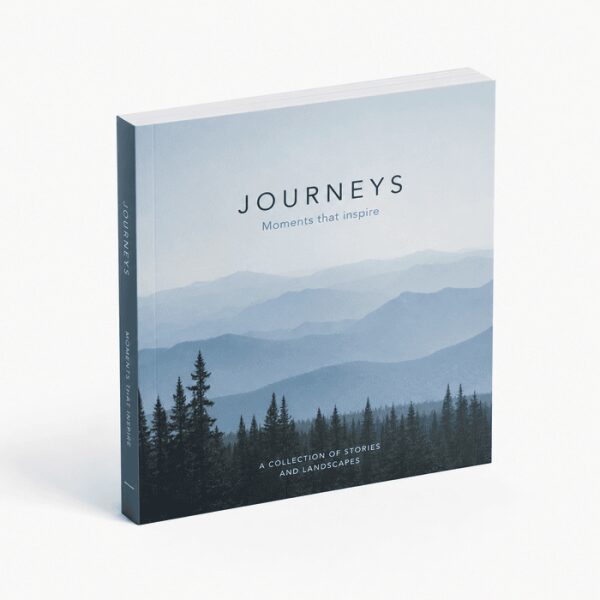
Perfect Bound Square Book
Square format perfect bound books with a clean flat spine, printed on uncoated or satin stock. Suite...
Priced online from 40 pages.
Choose Options & Price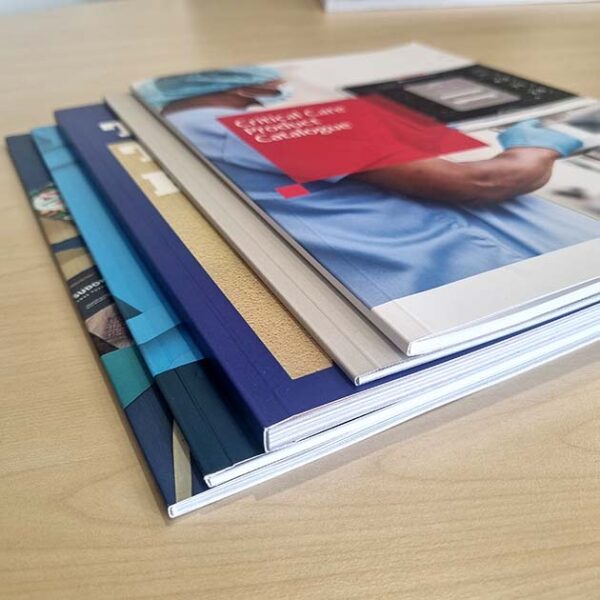
Perfect Bound A4 Booklet
Professional A4 booklets with square-spine perfect binding. Ideal for catalogues, reports and public...
Priced online from 40 pages.
Choose Options & Price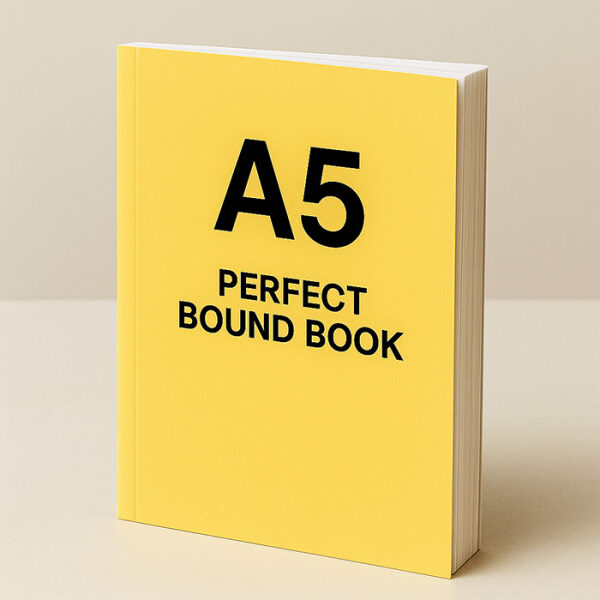
Perfect Bound A5 Book
A5 perfect bound booklets with square-spine finish. Ideal for catalogues, manuals, reports and train...
Priced online from 40 pages.
Choose Options & PriceNot perfect binding? Under about 40 pages there isn’t enough spine to glue, and some books are better off stapled or wire bound so they open flat. Those are priced online too:
Perfect binding, answered
The things people ask us before they commit to a book. If yours isn’t here, ring the shop on 09 308 1510 and ask for the bindery.
Divide the total page count by two to get the number of sheets, multiply that by the thickness of one sheet, then add about 0.5mm for the glue and twice the cover thickness for the cover wrapping the corners. Paper thickness is caliper, not weight, so two 150gsm stocks can give you different spines. This calculator does it for you using the measured thickness of the paper we actually hold.
You need at least 3mm of spine for the glue to hold, which on typical paper is around 40 pages. Below that there is nothing to glue and the book falls apart, so a saddle stitched (stapled) booklet is the right choice instead.
Perfect binding glues the pages into a square, printable spine, which suits books from about 40 pages up and looks like a paperback. Saddle stitching staples folded sheets through the fold, which suits 8 to 40 pages, costs less, and lies flatter but has no spine to print on.
Yes. Every sheet of paper carries two pages, one on each side, so the total is always an even number. Count every page of the text block, including blanks. The cover is printed separately, so the inside of the cover is not part of the count.
3mm of bleed on all four outside edges of the flat cover. If you are supplying the front, spine and back as separate panels, add 3mm all round to each one and we trim the inside edges off when we assemble them.
Yes. The inside front and inside back covers print like any other page, and the template has a second page for them. The spine and 3mm either side of it have to stay unprinted, because that strip is where the binding glue grips the cover and glue holds bare paper far better than ink. If you design the inside covers as panels, we keep that strip white for you when we assemble them.
Only slightly, and we allow for it. Matt or gloss laminate adds a few microns to the cover, which is inside the tolerance of the binder. We check your spine against the actual paper before we print either way.
For text-heavy books like manuals, novels and reports, 100gsm to 120gsm keeps the book light and the spine sensible. For photo books, catalogues and lookbooks, 150gsm to 170gsm satin holds images better. Heavier paper means a thicker spine, so the choice changes your cover size.
Yes. Our perfect binder handles trimmed sizes from 70mm to 350mm wide and 100mm to 450mm tall, with spines up to 60mm. Sizes outside the ones you can order online are quoted, so send us the size and page count and we will price it.
Unusual size, or a longer book
We bind trimmed sizes from 70 to 350mm wide with spines up to 60mm, well past what you can order online. Send us your size and page count and we’ll quote the whole job: print, bind, trim and deliver.
Get a book quoteMore free tools: Carton Dieline Calculator Box Sleeve Calculator See all